Step 1.
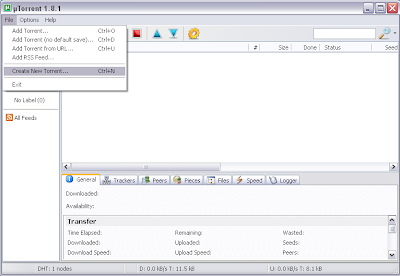
Open uTorrent and click on File>Create New Torrent.
Step 2.
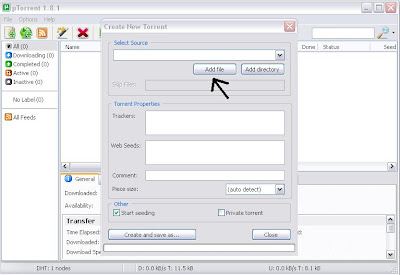
Click on add file.
Step 3 .
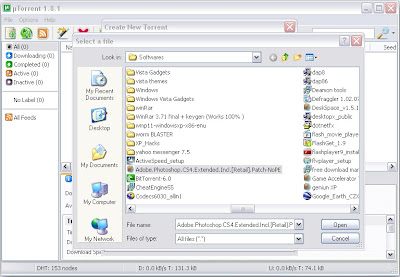
Browse for your selected file
.
Step 4
.
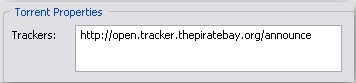
This is probably the hard part for most people. But it’s pretty easy, just put in one of the popular public trackers. You can use one or more trackers, but in general one is enough.
Here are some good trackers you can use:
http://open.tracker.thepiratebay.org/ann
http://www.torrent-downloads.to:2710/ann
http://denis.stalker.h3q.com:6969/announ
udp://denis.stalker.h3q.com:6969/announc
http://www.sumotracker.com/announce.
.
Step 5.
Do NOT tick the private torrent box (unless you’re using a private tracker)
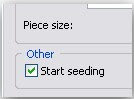
Ant don't forget to click on start seeding.
.
Step 6.
Finally click on Create and Save as and share it with ur frnds..

Finally click on Create and Save as and share it with ur frnds..

No comments:
Post a Comment